
Real-time server monitoring is essential for cloud-based environments to prevent costly downtime. It helps businesses detect server issues early, ensuring smooth operations and minimizing revenue loss. When disruptions occur, internal monitoring can also be considered alongside external signals, such as public status pages, support activity, or searches like Vodafone outage, to see whether similar issues are being reported more broadly.
For businesses relying on cloud services, downtime is a real concern. With 94% of enterprises now using cloud computing, even brief outages can cost thousands — sometimes millions — in lost revenue. Real-time server monitoring helps you identify and address errors before they escalate.
What is real-time server monitoring?
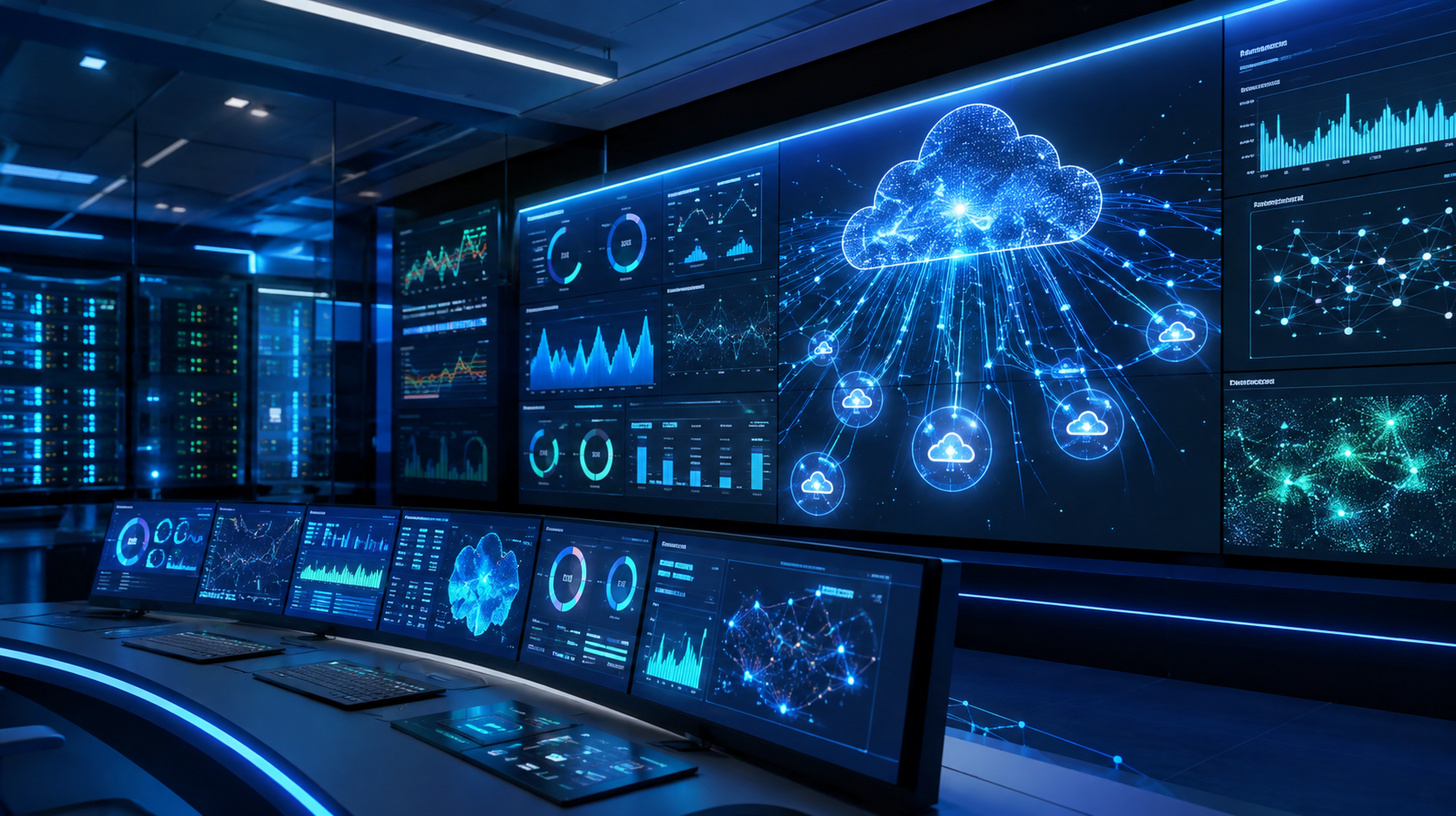
Real-time server monitoring tracks all activities and changes in your cloud environment as they happen, analyzing performance, availability, and security metrics the moment they are generated.
Cloud systems can be complex, especially in hybrid environments. By continuously tracking key performance indicators (KPIs), you can maintain optimal performance and quickly spot potential issues. Essential KPIs include CPU usage, memory usage, storage utilization, and network traffic. Monitoring network traffic helps identify peak demand periods, while tracking security metrics like failed login attempts allows you to detect and respond to threats quickly.
The types of cloud monitoring you need
Understanding the different types of cloud monitoring helps you manage resources proactively, mitigate risks, and improve overall operations:
- Database monitoring: The database is the backbone of most business operations. Monitoring it provides insight into load capacity for growth planning and ensures data accuracy for better decision-making. Key metrics include query performance, uptime, connection counts, and error rates.
- Cloud storage monitoring: Continuous monitoring alerts you when storage nears capacity, preventing service disruptions. It also helps control costs in pay-as-you-go models by preventing unexpected spikes. Key metrics include storage utilization, read/write speed, and data transfer rates.
- Website monitoring: Covers websites and cloud applications, checking uptime, traffic, page load speed, security, functionality, and server health. When availability issues are unclear, teams may also compare their own monitoring data with public status information or searches such as Vodafone down to see whether similar problems are being reported beyond their environment.
- Virtual server monitoring: Tracks resource utilization, prevents overload, and maintains security across public cloud providers such as AWS and Microsoft Azure.
- Virtual machine monitoring: Ensures each VM operates efficiently, has sufficient resources, and remains secure across shared physical hardware.
Why real-time server monitoring is a game changer
Once you have a solid cloud monitoring strategy in place, the benefits start to stack up pretty quickly:
- Quick and automated responses: When something goes wrong, monitoring tools can jump into action automatically — triggering specific responses to different issues before they spiral out of control.
- Better resource management: Always know what’s being used and what isn’t. You can set up auto-scaling so your system adjusts on the fly, keeping things running smoothly without constant manual input.
- Improved security: Keep an eye out for suspicious login attempts, weird network activity, and unusual data transfers — so you can catch threats early and keep your infrastructure safe.
- Higher uptime and performance: By tracking things like CPU usage, memory, and network bandwidth, you can spot bottlenecks before they become big problems. And if traffic spikes? Automated failover systems have got you covered.
- Better customer experience: Nobody likes a slow website. Monitoring page load times and server response times helps keep your apps snappy, your customers happy, and gives you useful insights into how people are using your platform.
- Scalability and flexibility: As your needs change, your infrastructure can change with them. Monitoring tools help you spot usage trends and scale up or down without breaking a sweat.