
Relying on external drives might work at first, but as photoshoots grow and file sizes increase, storage quickly becomes an issue. Many photographers start by filling one drive, buying another, and rotating between them, but this method isn’t sustainable as risks like drive failure, lost memory cards, or misplaced gear can jeopardize client work. A more reliable system is essential.
Take, for example, a professional photographer in New York – https://krasnaok.com/, who handles a wide variety of shoots. From large client projects to personal creative work, managing and safeguarding files is critical for maintaining a smooth workflow.
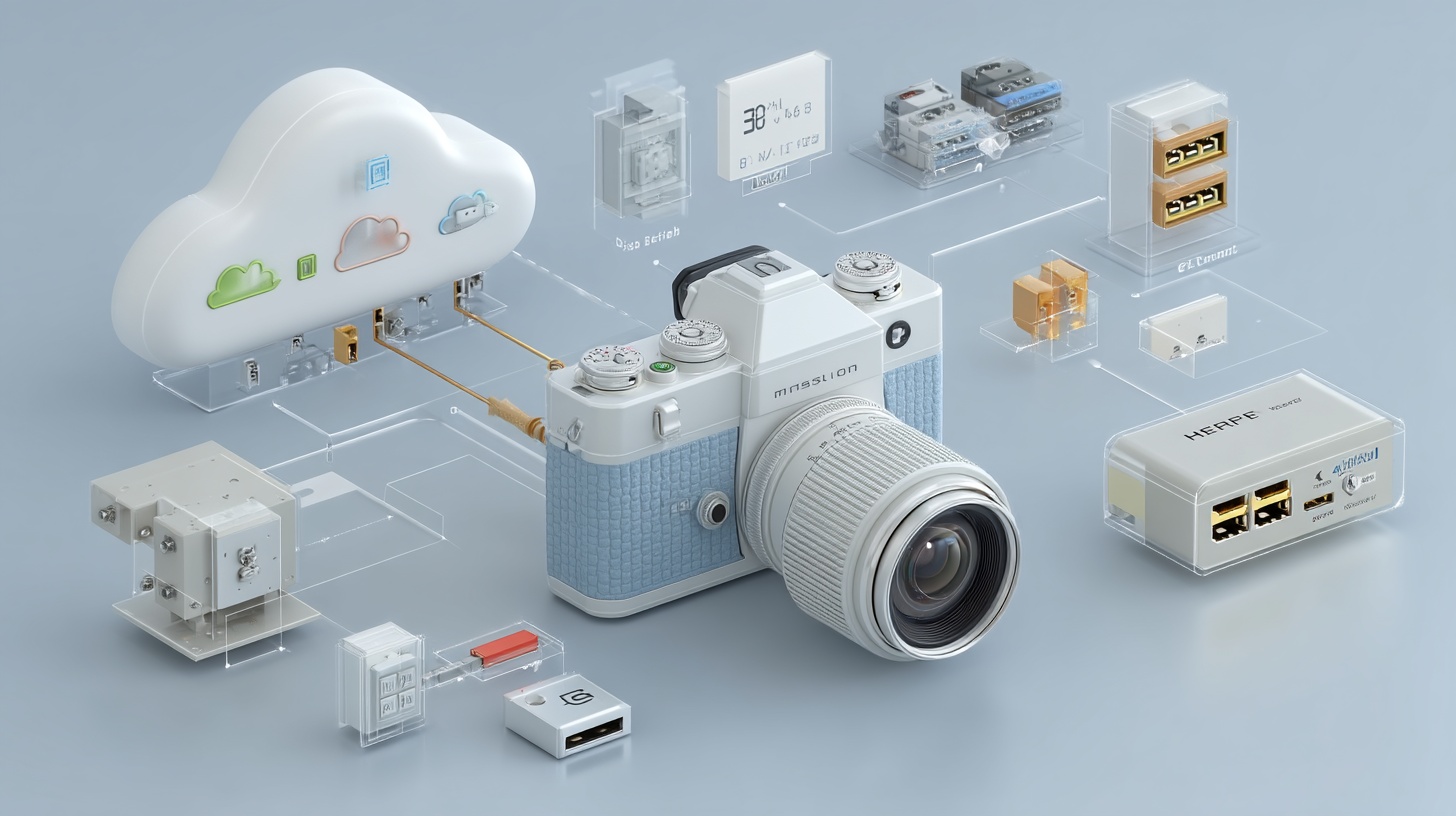
Cloud storage solves these challenges by offering automatic backups, easy organization, and access from anywhere, eliminating concerns about running out of space. Whether editing on a laptop or accessing client files on location, everything is just a few clicks away.
This post will explore key features, compare top cloud storage services, and highlight how they can improve your workflow, helping photographers choose the best solution for their needs.
What is cloud storage?
Cloud storage means saving files online instead of on physical devices, like a secure digital locker you can access anytime. For photographers, this allows you to upload, organize, and retrieve images from any device, freeing up local storage and protecting your files. It also simplifies sharing galleries with clients.
Key benefits include:
- Freeing up device storage.
- Accessing files from anywhere.
- Recovering lost files.
- Streamlining client sharing.
While some platforms offer general storage, others are tailored for photographers with tools like image previews and tagging, making it easier to organize everything from engagement photos to your most creative work.

Best cloud storage options for photographers
Experiencing a missing SD card or a failed hard drive is a common problem. Realizing a backup system isn’t reliable often prompts a switch to cloud storage.
Here’s a breakdown of commonly tested services:
1. Backblaze
For those who have experienced file loss, Backblaze is a strong contender. It runs automatic backups, offers unlimited storage for a low monthly fee, and supports external drives and all file types. If disaster strikes, backups can be downloaded, or a hard drive can be shipped. It’s important to note that deleted files are only stored for 30 days by default.
2. Adobe Creative Cloud
For users of Lightroom or Photoshop, Adobe Creative Cloud is a seamless option. Most plans include 1TB of storage, sync across devices, and allow photo searches with built-in AI. While pricier, it’s an excellent choice for Adobe users seeking an integrated workflow.
3. Google Drive
Google Drive offers 15GB free, making it ideal for beginners. It supports RAW files and integrates with Gmail, though it lacks photography-specific tools like RAW previews. It’s a solid choice for quick backups or sharing files with clients.
4. Dropbox
Dropbox is reliable and user-friendly, with strong sharing options and support for RAW files. Free storage is limited to 2GB, but paid plans offer flexibility. It’s excellent for collaboration or client file exchanges.
5. IDrive
For managing multiple devices, IDrive syncs everything under one account. It includes 10GB free and supports RAW files, external drives, and encryption for client privacy. However, upload speeds can be slow.
6. SmugMug
SmugMug combines cloud storage with a portfolio platform. It offers unlimited photo storage, client galleries, and print-selling tools. It’s best for photographers focusing on client presentation rather than general storage.
7. Microsoft OneDrive
OneDrive is a good option for Windows users, with 5GB free and paid plans offering 1TB or more. It supports automatic backups and tagging for file organization but can feel clunky on Mac.
8. NordLocker
For privacy, NordLocker offers end-to-end encryption. It includes 3GB free and supports RAW files, though it lacks advanced features like file versioning.
9. pCloud
pCloud provides 10GB free and a lifetime storage option for a one-time payment. It supports RAW files, has versioning, and features an intuitive interface. While it doesn’t have editing tools, it’s excellent for long-term storage.
10. Sync.com
Sync.com focuses on privacy with zero-knowledge encryption, ensuring only the user can access their files. It offers 5GB free, RAW file support, and secure sharing. Though collaboration tools are limited, it’s ideal for photographers prioritizing security.
Cloud storage can transform file management, and this guide can help photographers find the right solution for their needs. A reliable backup system is essential for any professional photographer.